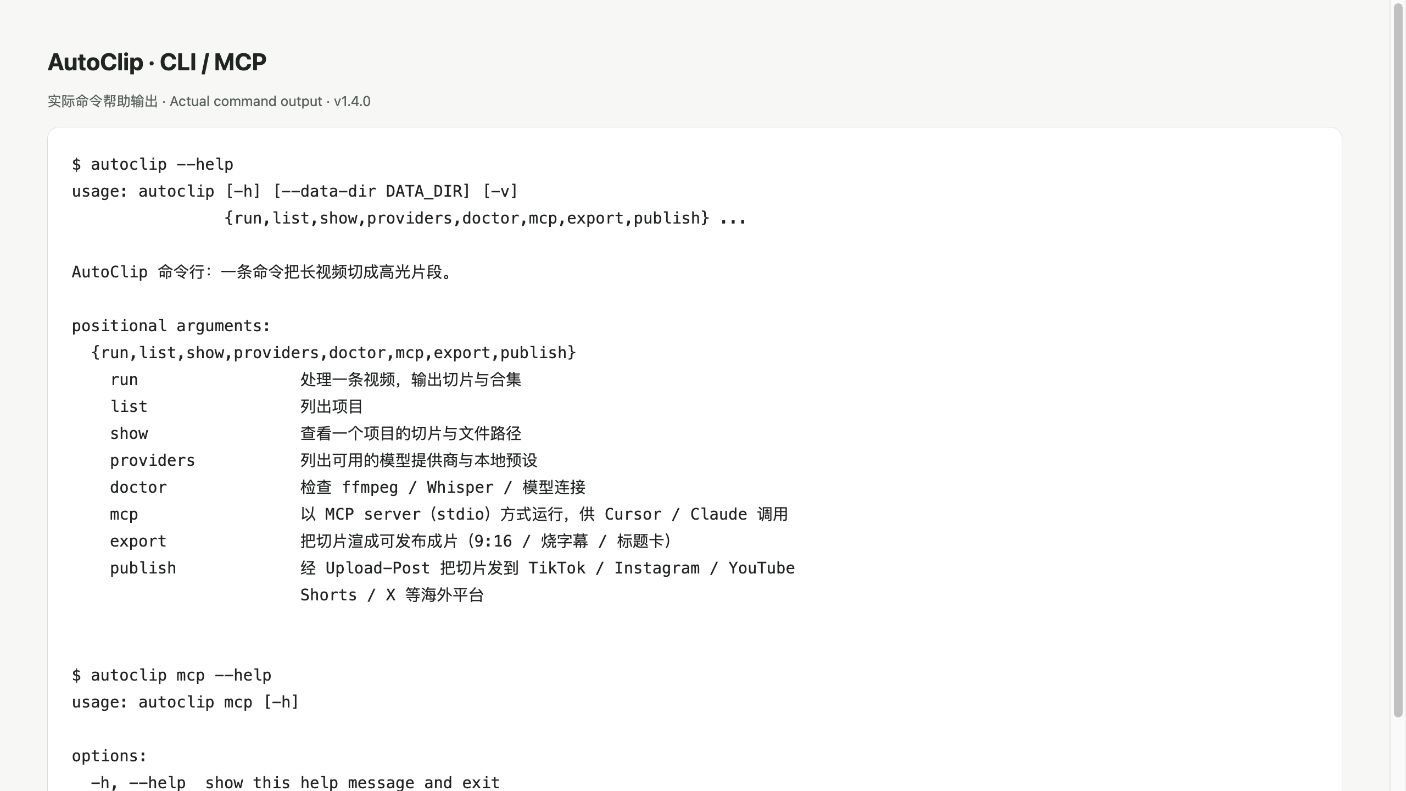
AutoClip CLI & MCP Server — trigger clipping pipelines from terminals and AI coding agents
Installation
Requirements: Python 3.10+ (3.11 recommended) andffmpeg available on your PATH.
- pip (Standard)
- uvx (Zero-Install)
- Claude Code 1-Liner
- Agent Skill
Client Configuration (JSON)
Add AutoClip to Claude Desktop (claude_desktop_config.json), Cursor (.cursor/mcp.json), or Antigravity MCP configuration:
pip install autoclip-mcp instead of uvx, point "command" directly to autoclip-mcp:
Key MCP Tools
Example start_quick_output Payload
tiktok, youtube_shorts, instagram_reels, youtube_long, douyin, xiaohongshu, bilibili.
Example Agent Prompts
Once connected, prompt your AI agent in natural language:- “Clip
/Users/me/Videos/interview.mp4into vertical TikTok and YouTube Shorts using theeditorialtemplate and give me the output folder.” - “List all available AutoClip styles (
list_styles), then re-render clip #2 instreetstyle.” - “Start a clipping job on this YouTube interview URL with burned-in English captions and report back when
get_quick_output_statusfinishes.”
Security & Isolated Runs
- No API keys in tool arguments: AutoClip reads your saved desktop provider configuration or the
AUTOCLIP_API_KEYenvironment variable. - Isolated data directory: Set
AUTOCLIP_DATA_DIR=/path/to/isolated-datawhen running automated tests or batch agent workflows so they stay separate from your main desktop library.