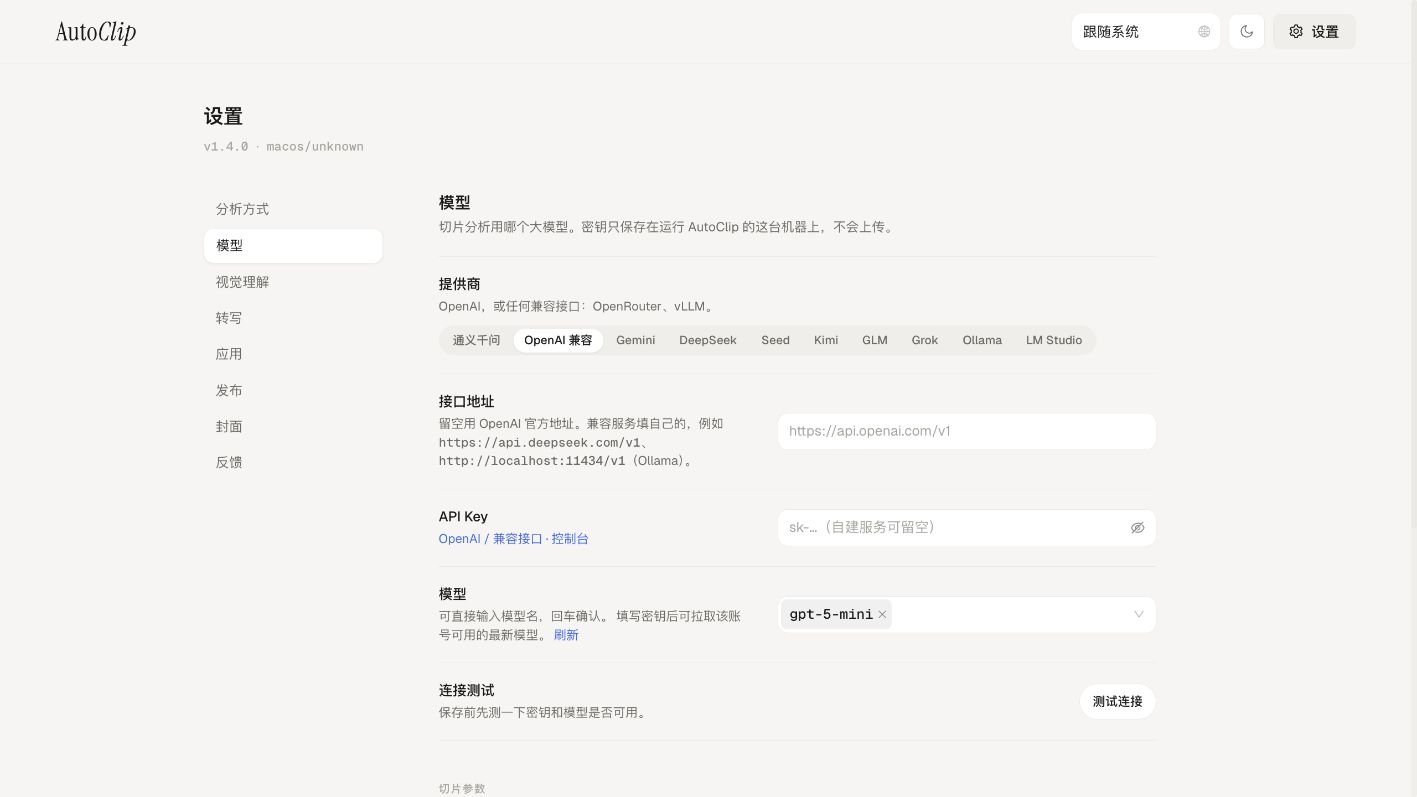
Settings → AI Models — configure cloud providers, custom gateways, or local Ollama
Supported Cloud Providers
MiniMax Token Plan Endpoint: When using a MiniMax Token Plan or Standard API key, make sure the Base URL points to the OpenAI-compatible
/v1 endpoint (https://api.minimaxi.com/v1 for Mainland China or https://api.minimax.io/v1 for International) and select MiniMax-M3.1-Flash (or your subscribed model ID).100% Local with Ollama
Run AutoClip completely offline with zero per-token cost using Ollama (or LM Studio):1
Start Ollama & Pull a Model
Install Ollama and pull a recommended model suited to your RAM/VRAM:
2
Select Ollama in AutoClip Settings
Open Settings → AI Models, choose Ollama (default endpoint
http://localhost:11434/v1), select your pulled model, and click Test & Enable.3
Automatic Qwen3 Hybrid Reasoning Handling
Hybrid reasoning models such as Qwen3 / Qwen3.5 can emit long
<think> chains that slow down JSON highlight extraction. AutoClip automatically sends think: false during Ollama validation and structured clipping calls so local runs stay fast and deterministic.Local vs. Cloud Decision Matrix
Advanced Request Options
If you connect through a corporate proxy or custom OpenAI-compatible gateway, expand Advanced Request Options on the provider card to configure:- Custom HTTP headers (for gateway auth or routing tags)
reasoning_effortoverrides for reasoning-capable models- Extra JSON body parameters passed directly to the upstream endpoint